

Welcome to this week’s newsletter. Sometimes the best way to understand a tool is to push it past where you’d normally stop, and see what gives.
Last week, I ran a single interior render through 20 consecutive edits in Gendo AI, using two different tools. Edit Tool for geometry-level changes and Swap Material Tool for precise surface swaps. The goal was to see exactly where an AI editing workflow starts making its own decisions.
A clear pattern emerged quickly. Straight lines and hard geometry held beautifully, cabinet fronts, panelling, and chair frames all stayed consistently clean.
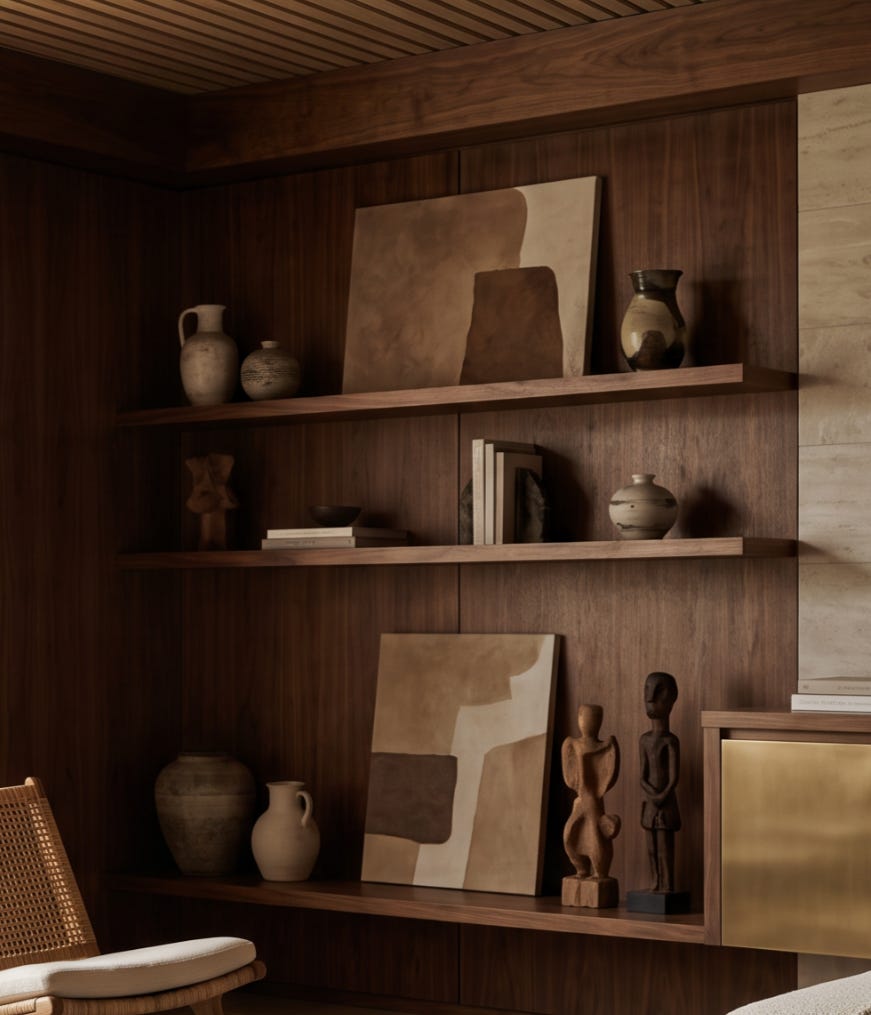
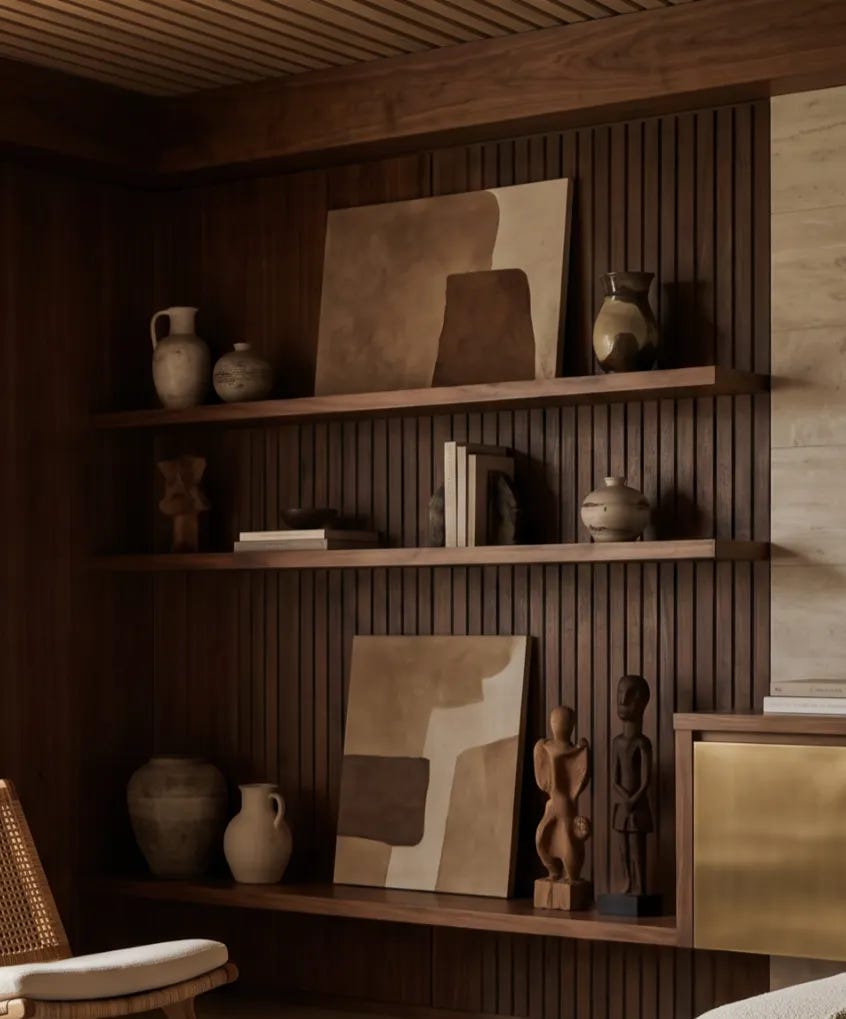
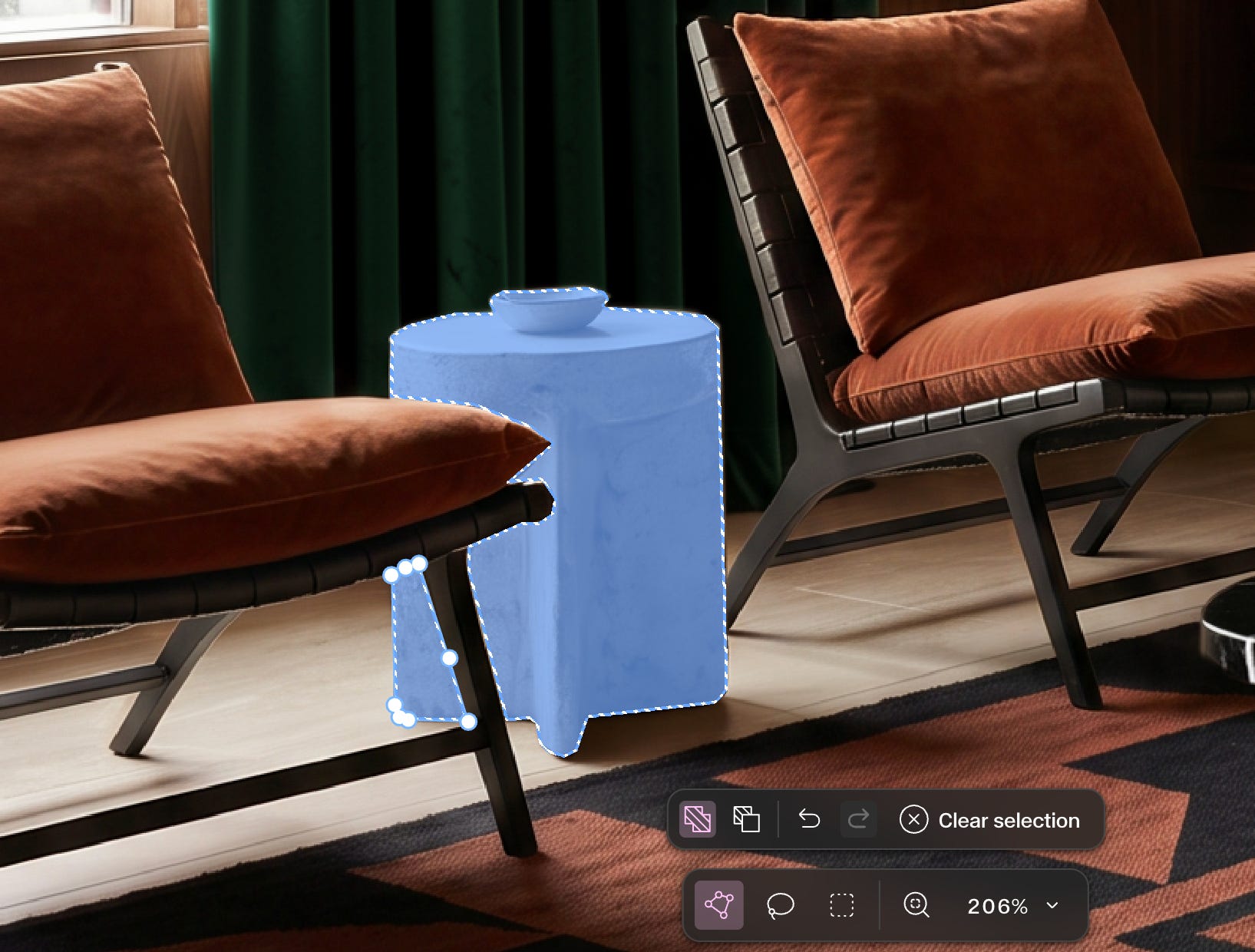
Organic, curved forms were a different story. A sofa came back with a faint synthetic softness. A side table warped into a suspiciously perfect cylinder. A rug vanished the moment I changed the flooring beneath it, a ceramic vase, sitting among several others in the same selection, simply refused to change.


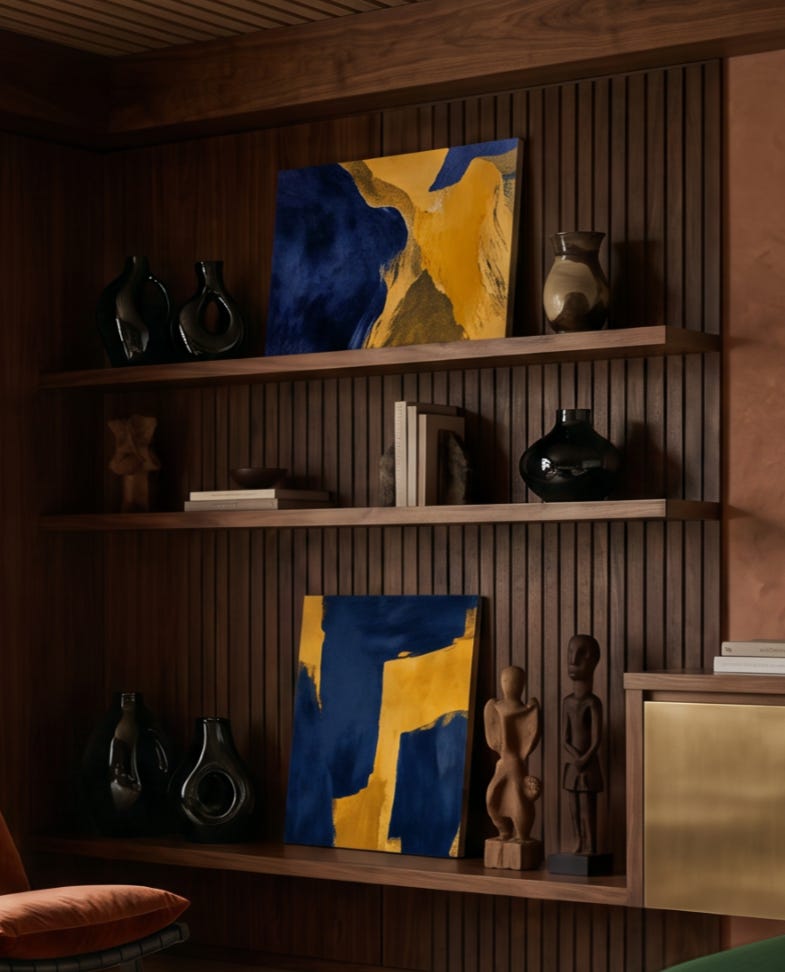
When I asked it to render every “carved wooden figure” in white marble, it correctly left one sculpture untouched, since it wasn’t actually wood, a small act of quiet defiance.
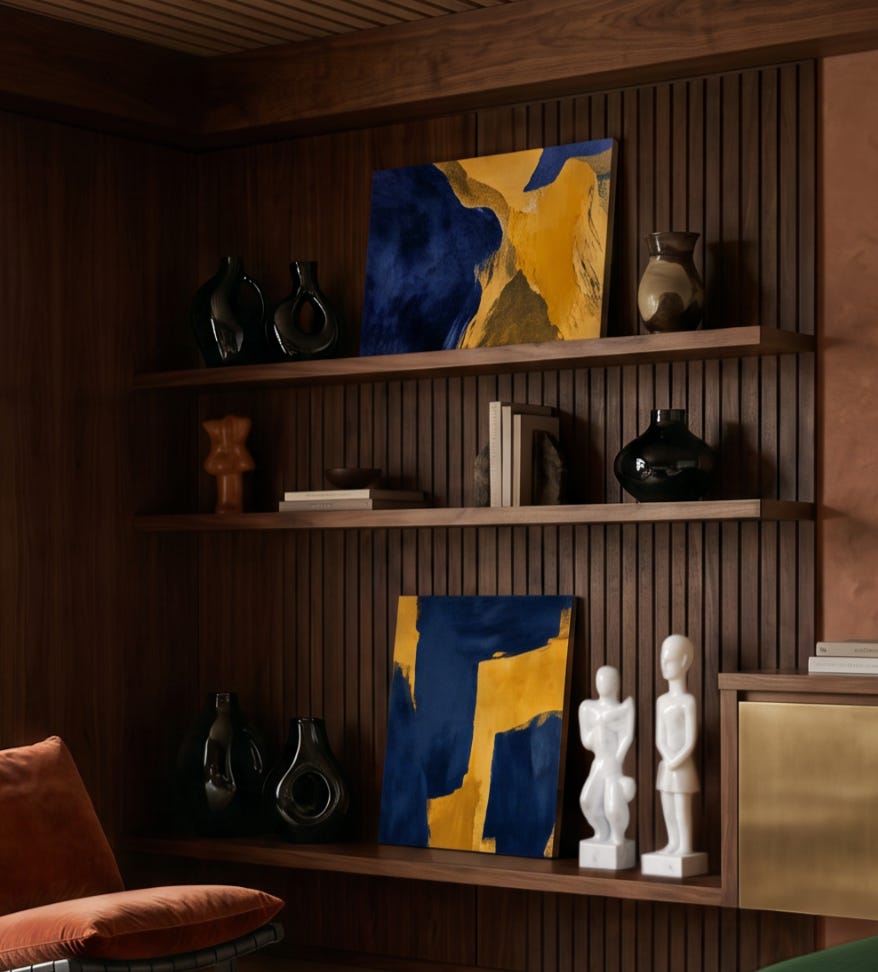
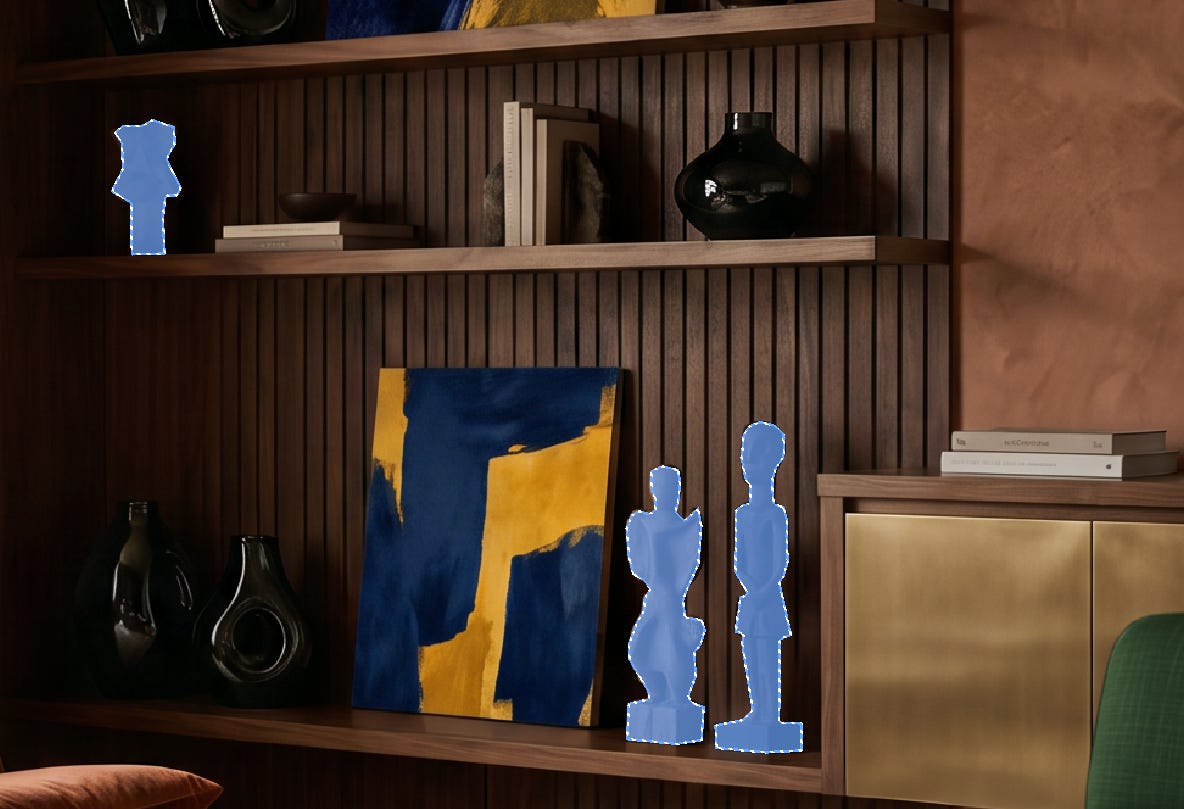
The most useful insight came from elsewhere. A Gendo workshop posted four weeks ago offered a clue worth testing. Their team explained that when adding new elements to a scene, a more generous selection tends to blend more naturally than a tightly cropped one, since the model needs the extra surrounding context to render convincing shadows and integration. It ran counter to instinct, but held up under testing.
Twenty edits in, the takeaway isn’t that Gendo is flawless. It’s that its instincts are good enough to trust for the obvious changes, and precise enough in its limits that you always know exactly where to step back in.
As we keep testing platforms like this across the AAL community, we’ll keep sharing what proves reliable, and where the model shows its limits.
Have a great week, and as always, feel free to email with any thoughts or questions.
Best regards,
Charie
AAL INNOVATION